Want to know how to optimise images for SEO the right way? This IZ SEO guide walks you through simple, practical tactics to make sure your visuals boost your search visibility rather than drag it down.
Why image optimisation for SEO matters
When done right, optimising images for SEO makes your pages load faster, puts you in front of users searching for visuals, and helps search engines understand what your content is about. Google’s own documentation confirms that choosing appropriate file formats, implementing responsive markup, and adding descriptive metadata all play a role in better indexing and rankings.
Research shows that images that haven’t been optimised can make up as much as 75% of a page’s total weight, which drastically slows things down and frustrates visitors. Since page speed, mobile usability, and content relevance all factor into where you rank, figuring out how to optimise images for SEO isn’t something you can skip.

How to optimise images for SEO – step by step
Let’s walk through the practical steps you need to take to make your images work for your visibility and ranking.
Choose the right image and format
- Pick an image that actually relates to your content because relevance counts. Generic stock photos might look polished, but they don’t add contextual value.
- Go with file formats that give you a good mix of quality and performance: JPEG works well for photographs, PNG is better for graphics or when you need transparency, and newer formats like WebP or AVIF deliver smaller file sizes with solid quality when your platform supports them.
- Make sure to resize the image to fit the space where it’ll actually appear (there’s no point uploading a 4000px-wide file if your site only displays it at 800px).
Optimise file size and speed
Oversized images drag down your site speed, and speed directly affects your rankings through Core Web Vitals metrics like Largest Contentful Paint (LCP).
- Run your images through compression tools like TinyPNG, ImageOptim, or Squoosh to reduce file size without losing noticeable quality.
- Set up responsive images using techniques like
srcsetand the<picture>element so mobile users get smaller, faster versions. - Think about lazy-loading images that sit below the fold. This prioritizes what people see first and improves initial load times.
Name files and add descriptive metadata
Search engines can’t look at an image and understand it the way we do. They depends on the information you provide.
- Give your image files clear, descriptive names (something like
organic-gardening-tools.jpginstead ofIMG_1234.jpg). - Write alt text that describes what’s in the image and how it connects to the page. Keep it natural and skip the keyword stuffing.
- Where it makes sense, add captions or place supporting text nearby to reinforce the context and relevance.
Ensure crawlability and indexation
- Embed images using standard
<img>tags rather than hiding them in CSS backgrounds—crawlers need to be able to find them. - Build an image sitemap, or include your images in your main sitemap, so search engines know where to look.
- Check that your hosting or CDN is configured properly to serve images quickly and cache them effectively.
Align images with page context
- Position your images close to relevant text so search algorithms can connect them to your topic.
- Use structured data (schema markup) when your images relate to products, recipes, or other specific content types. This boosts your chances of appearing in rich results.
Avoid common pitfalls
- Don’t upload massive images and let the browser resize them on the fly. It wastes bandwidth and slows everything down.
- Keep file names and alt text straightforward—cramming keywords in looks spammy and can backfire.
- Be careful with lazy-loading your main hero image if it’s above the fold. Delaying it can hurt your LCP score and tank performance.
- Don’t rely entirely on generic stock images. Original, relevant visuals tend to perform better and add real value.
How AI and emerging technologies impact image optimisation
AI is starting to change how we approach image optimisation for SEO in several interesting ways:
- Automated alt-text generation: AI tools can suggest descriptions, identify objects in images, and speed up the process when you’re dealing with lots of visuals.
- Smarter bulk optimisation: Modern tools use AI to pick the right compression level, choose the best format, and even adjust images for different devices automatically.
- Evolving search interfaces: With visual search, generative search engines, and multimodal results mixing text, images, and video, well-optimised images matter more than ever.
Insider’s edge pro tip: If you’re using AI to generate or tag images, take a moment to review the alt text and metadata before you publish. AI doesn’t always understand your brand voice or keyword strategy, so a quick human check ensures everything aligns with search intent and avoids sounding generic.
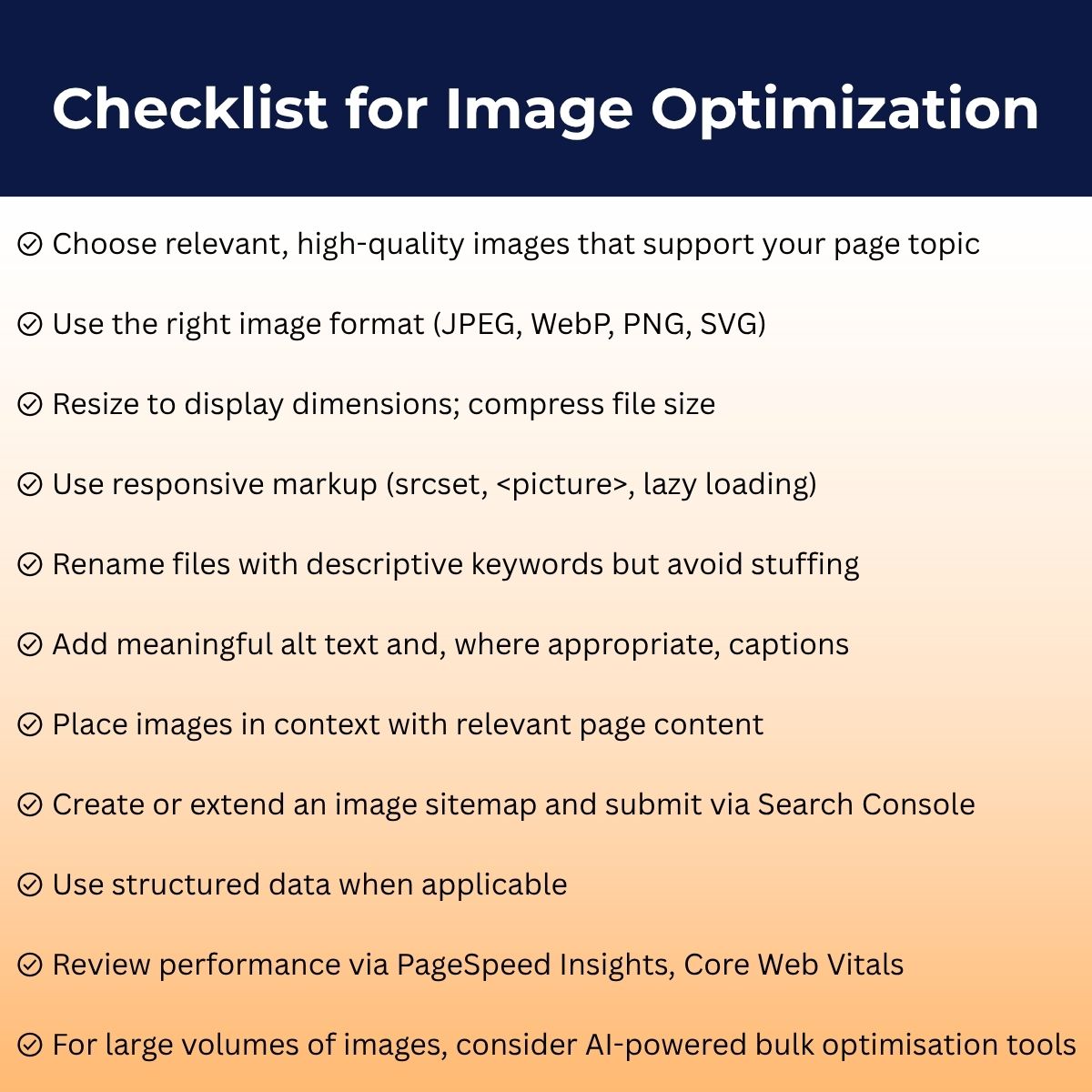
Putting it all together: Checklist for success
Here’s a quick checklist to help you stay on track when optimising images for SEO:
Final thoughts — what’s next
What is image optimisation? It’s not a one-and-done task. It’s part of keeping your site running smoothly and performing well over time. As visual search and AI-driven indexing continue to develop, the images you publish will play a bigger role in your organic visibility and how users experience your site.
To get started right away: choose an important content page, run through all its images using the checklist above, and knock out the easy wins (file names, sizes, alt text). Then keep an eye on image search traffic and page speed metrics.
And remember: your images should serve your visitors first. When you optimise images for website performance, you’re handling the technical side, but the real goal is delivering a fast, clear, and relevant experience. Get that right, and better visibility and engagement will naturally follow.
By making image optimisation a regular part of your SEO workflow instead of an afterthought, your visuals become performance drivers, not dead weight.